






























OpenAI Astra for Law Brings GPT-6 Astra Into Legal Research and Law Firm Workflows
OpenAI’s Astra for Law combines GPT-6 Astra with specialized legal search, integrations, and governance controls. The launch shows how frontier AI is moving deeper into professional legal workflows.

Are your AI projects stuck on your own data?
AI projects often stall because business data isn’t consistent or trustworthy. Here’s how to identify data gaps before they become an AI roadblock.
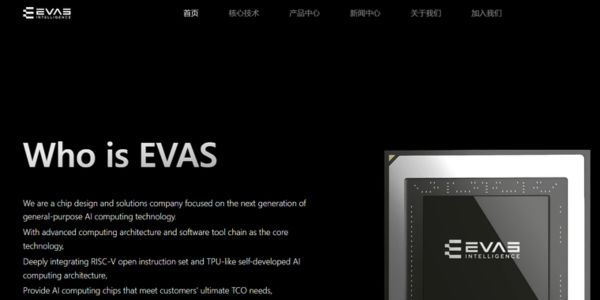
EVAS Intelligence’s RISC-V AI Chips Land 1.5 Billion Yuan Series B to Power Global Expansion
EVAS Intelligence has raised 1.5 billion yuan to mass‑produce its RISC-V Epoch AI chips, deepen its full‑stack platform, and accelerate global expansion, signaling rising investor confidence in alternative AI compute.
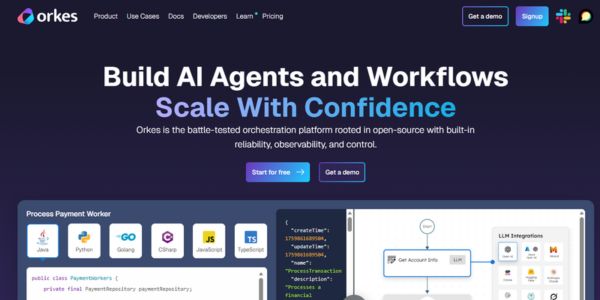
Orkes Raises $60M to Orchestrate Enterprise AI Agents in Production
Orkes has raised 60 million dollars to turn its Netflix‑born workflow engine into a control plane for enterprise AI agents. The piece unpacks how its orchestration platform works, why investors are backing it now, and what this means for companies trying to move AI from pilots into production.

Sillage’s AI signal engine raises €1.7M to help enterprise sales teams follow the right buying signals
Paris-based Sillage has raised €1.7 million to launch an AI signal engine that helps enterprise sales teams follow the right buying signals, prioritize high-intent accounts, and improve pipeline efficiency without replacing human-led conversations.
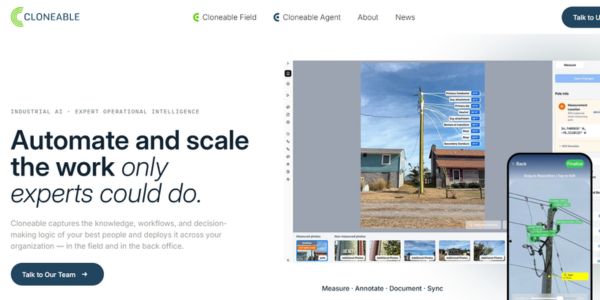
Cloneable’s agentic AI platform targets the infrastructure knowledge gap with $4.6M seed round
Cloneable is launching an agentic AI platform for infrastructure operations that captures institutional knowledge from retiring experts and turns it into scalable agents, targeting energy, utilities, and other asset-heavy sectors. The $4.6M seed-backed startup aims to connect field data capture with back-office execution so founders and operators can modernize infrastructure faster and with fewer bottlenecks.

Ricursive Superintelligence’s $500M bet on self-improving AI raises the stakes in the AGI funding race
Excerpt: Ricursive Superintelligence has raised at least $500 million to build self‑improving AI, with GV and Nvidia backing a four‑month‑old lab at a $4 billion valuation. The deal crystallizes how quickly capital, talent and regulatory scrutiny are converging around autonomous AI research—and what that means for builders trying to compete outside the frontier club.

Bond AI raises US$2M to automate SME accounting in Brazil’s brutal tax maze
Brazilian startup BOND has raised US$2M to automate accounting for SMEs in Brazil’s complex tax system. Combining AI with human accountants, it targets a fragmented market of manual processes, aiming to turn back-office compliance into a faster, more strategic function for founders and operators.

Loop’s AI supply chain platform raises $95M Series C to predict disruptions before they hit
Loop just raised a $95M Series C to expand its AI-native supply chain platform, turning messy logistics data into early disruption warnings and better financial outcomes for global operators and shippers.
London AI startup Lua wants to give every business its own AI workforce with $5.8M seed round
Linkedin X-twitter-square Facebook-square Startups & Business News AI agents are finally moving from demos to the day-to-day stack of real
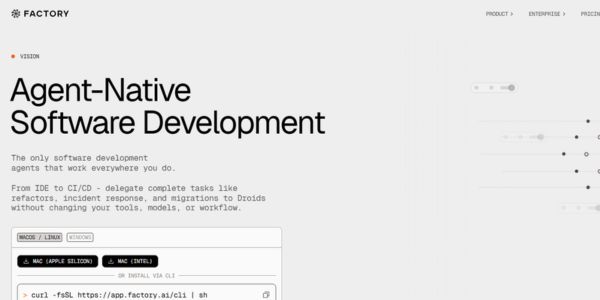
Factory.ai raises $150M Series C to build fully autonomous software engineering “factories”
Factory has raised a $150M Series C at a $1.5B valuation to scale its autonomous “Droids” platform, betting that enterprises will standardize software engineering around agent‑native missions, governance and cost‑optimized AI infrastructure.

Solidroad’s $25M bet on AI quality assurance for customer support
Solidroad has raised $25 million to bring AI-native quality assurance to every human and AI-powered customer interaction. The new funding will accelerate product development and expansion for support-heavy businesses leaning into automation.